Россия, Нижний Новгород

СДЕЛАЙТЕ СВОИ УРОКИ ЕЩЁ ЭФФЕКТИВНЕЕ, А ЖИЗНЬ СВОБОДНЕЕ
Благодаря готовым учебным материалам для работы в классе и дистанционно
Скидки до 50 % на комплекты
только до
Готовые ключевые этапы урока всегда будут у вас под рукой
Организационный момент
Проверка знаний
Объяснение материала
Закрепление изученного
Итоги урока

Была в сети 19.06.2025 16:06
Галактионова Юлия Германовна
Преподаватель иностранного языка
30 лет
 110
110
 214 161
Местоположение
Игра "Счастливый случай"
Категория:
Английский язык
14.09.2024 16:57

Просмотр содержимого документа
«Игра "Счастливый случай"»
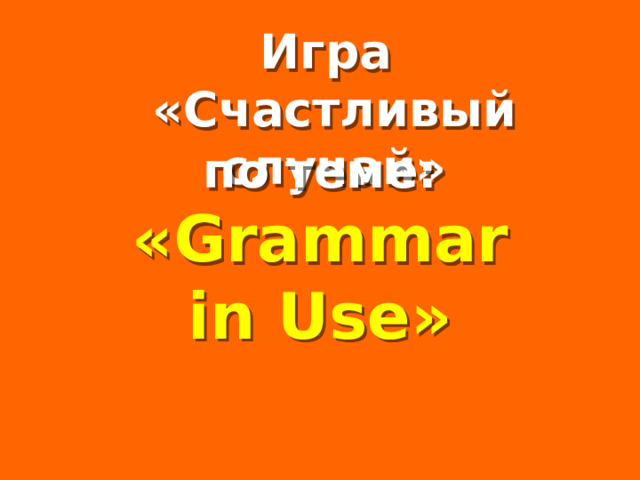
Игра
«Счастливый случай»
Welcome to Power Jeopardy
© Don Link, Indian Creek School, 2004
You can easily customize this template to create your own Jeopardy game. Simply follow the step-by-step instruc-tions that appear on each slide.
по теме:
« Grammar
in Use »
Slide 1-Title
This slide begins the game. When you first start the presentation, the screen appears all blue. When you click the mouse button, the Jeopardy theme song plays, and the title and “Hosted by” text slowly move into place.
To tailor this slide, follow these instructions:
- Print the notes for slides 1 through 3 by doing the following:
- Under File select Print… In the section entitled Print Range, click the radio button for Slides and in the box to its right, type in 1-3 . Under Print what: , select Notes Pages .
- Under File select Print…
- In the section entitled Print Range, click the radio button for Slides and in the box to its right, type in 1-3 .
- Under Print what: , select Notes Pages .
At this point, the Print pop-up should look like the picture at the right.
- At this point, the Print pop-up should look like the picture at the right.
- Click OK
- Click OK
2. Now that you have printed instructions for tailoring the game, you can make the needed changes to each slide by moving into Slide View. Simply double click the blue slide above .
- Change Slide 1:
- Double click on the word Subject , and type in the subject you want in its place (e.g., Math). Double click on the word Teacher in the bottom right of the slide, and type over it with your name (e.g., Mr. Link).
- Double click on the word Subject , and type in the subject you want in its place (e.g., Math).
- Double click on the word Teacher in the bottom right of the slide, and type over it with your name (e.g., Mr. Link).
After doing this, the new slide will look something like this:
- After doing this, the new slide will look something like this:
4. Go on to the next slide.
Present
Tenses
Slide 2-Category Selection
This slide is the main game board. You go here to begin the game, and you return here after each Question/Answer slide. This is where the “contestant” selects one of the five categories and a dollar value for the question. The higher the value, the more difficult the question. When you open this slide, the categories appear one at a time, and the dollar values appear at random with an accompanying laser beep. Here’s how it works: if the contestant selects the first category for $300, you would click on the $300 text under
Future
Tenses
Past
Tenses
Types of
questions
Modal
Verbs
100
100
100
100
100
200
200
200
200
200
the 1st category (i.e., the 3rd dollar box in column one). As a result, the corresponding Question/Answer slide will automatically appear. Once the question, and then the answer, for that slide have been shown, you will click on the arrow in the bottom right of that slide to return to this main slide. When you return to this slide, the dollar amount for the box you selected will have changed from white to blue to show that that particular question has already been used. Below, you will see how to tailor the game for your particular categories.
300
300
300
300
300
To tailor this slide, follow these instructions:
Five different categories are used in the game. The category names appear at the top of the columns on this slide and on the five associated Question/ Answer slides (one for each dollar value). Rather than changing all of these separately, you will use the Replace command to change each placeholder category name only once.
400
400
400
400
400
1. Under Edit , choose Replace
- Type the placeholder name for category 1 as shown in the pop-up at the right. Type in your category name (e.g., Mixed Numbers) under Replace with:
- Type the placeholder name for category 1 as shown in the pop-up at the right.
- Type in your category name (e.g., Mixed Numbers) under Replace with:
The Replace pop-up should now look like the one on the right, only with your category name.
- The Replace pop-up should now look like the one on the right, only with your category name.
- Click the Replace All button to make the changes.
- Click the Replace All button to make the changes.
You will then see this pop-up
- You will then see this pop-up
- Click the OK button. This replaces the six occurrences of the specified placeholder category name with your category name. After this, the top of the slide will look like this:
- Click the OK button. This replaces the six occurrences of the specified placeholder category name with your category name. After this, the top of the slide will look like this:
500
500
500
500
500
Notice that in this case, “Mixed Numbers” doesn’t fit on the line. To fix this, simply click on the text right before the “N” and press Backspace followed by Enter. Now it’s on two lines:
2. Now, repeat Step 1 for the remaining four category placeholder names:
1
Вопрос
I often … (to read) books.
Slide 3-Question/Answer (Cat1, $100)
This slide is the first Question/Answer slide. It corresponds to Category 1 for $100. Once you have followed the instructions on Slide 2 to replace category name placeholders with your actual categories, the text “Cat1” on this slide will be replaced with your 1 st category name.
When you click on Category 1 for $100 on the main slide, this slide opens automatically, with the Question appearing at the top. (Note: On TV Jeopardy, the contestant is actually shown an
answer and is asked to offer a related question. Since this concept is sometimes difficult to understand and implement, this PowerPoint version shows a question followed by the corresponding answer.)
One way to play the game in class is to set up three teams. For each round, have one person from each team stand up as contestants. Have one pick the category and dollar value; click on that box and then ready the question that appears. Call on the first contestant that raises his or her hand for the answer. If they are correct, their team gets corresponding points or dollars (e.g., 1 point for each $100). If the first contestant misses the question or does not answer quickly enough, his or her team loses the corresponding points. Then, offer the question to the remaining two contestants in order of their raised hands. After the question has been answered correctly, or after all three contestants miss it, or after no contestant wants to try, return to the main slide by clicking on the yellow arrow. The current contestants then sit down, and the game moves to the next round.
Note that this Jeopardy game does not have a Double Jeopardy question.
Категория 1 за 100
Ответ
I often read books
To tailor this slide, follow these instructions:
You are now ready to put in your questions and answers, but you might want to go ahead and save this file first, using Save As and giving it a new name—one that makes sense for this particular Jeopardy game (e.g., Fractions Jeopardy ).
- If your Question is short, simply double click on the word “Question” and type in your specific question (e.g., “50% of 150” or “Capitol of France”). If the text you enter will not fit on one line, there’s room for two lines at this font size. If you need more room, reduce the font size by triple clicking on the text and using the Font Size selector in the toolbar. In some cases, your question may need a drawn figure or graphic. You can use PowerPoint features to draw the figure you need or to insert graphics. A few examples are show below.
- Double click on the word “Answer” and type in your answer in the same way.
- Do the same steps to tailor the remaining Question/Answer slides, remembering to make questions of higher dollar value more difficult. Also remember to save your work.
Example Questions:
2
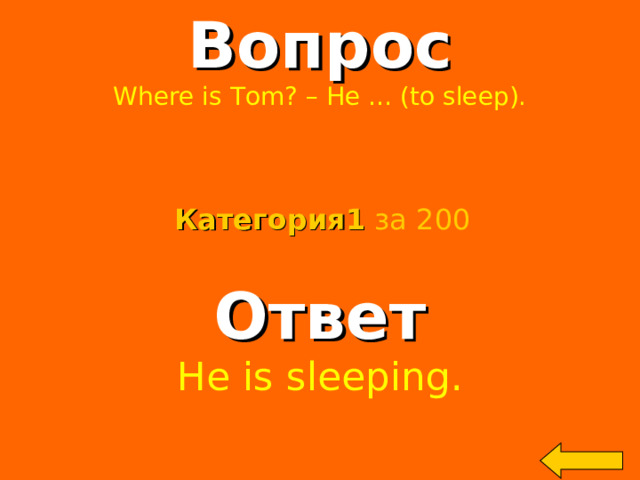
Вопрос
Where is Tom? – He … (to sleep).
Категория 1 за 200
Ответ
He is sleeping.
Welcome to Power Jeopardy
© Don Link, Indian Creek School, 2004
You can easily customize this template to create your own Jeopardy game. Simply follow the step-by-step instructions that appear on Slides 1-3.
2
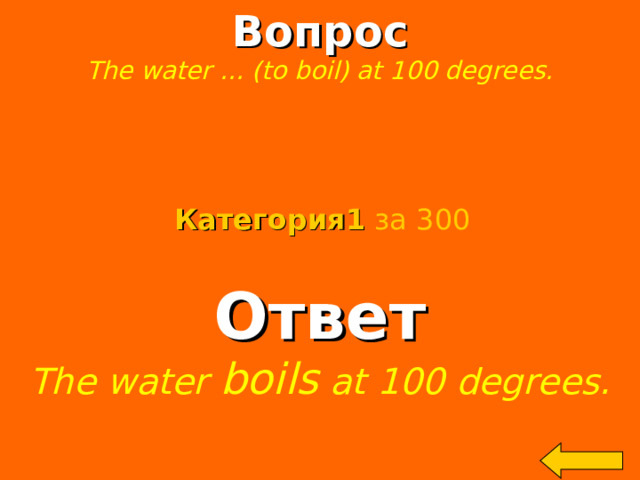
Вопрос
The water … (to boil) at 100 degrees.
Категория 1 за 300
Ответ
The water boils at 100 degrees.
Welcome to Power Jeopardy
© Don Link, Indian Creek School, 2004
You can easily customize this template to create your own Jeopardy game. Simply follow the step-by-step instructions that appear on Slides 1-3.
2
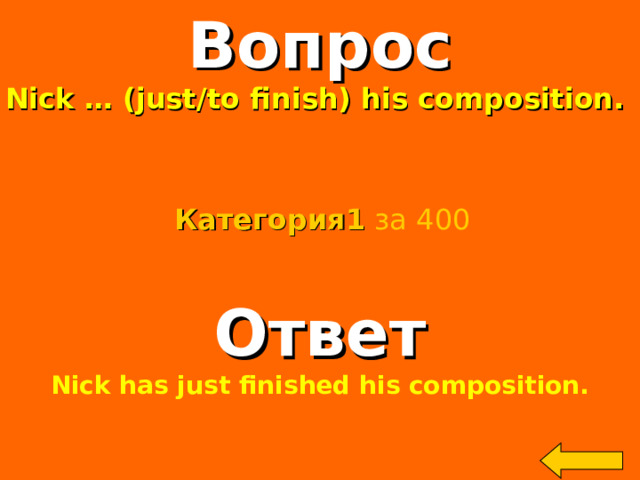
Вопрос
Nick … (just/to finish) his composition.
Категория 1 за 400
Ответ
Nick has just finished his composition.
Welcome to Power Jeopardy
© Don Link, Indian Creek School, 2004
You can easily customize this template to create your own Jeopardy game. Simply follow the step-by-step instructions that appear on Slides 1-3.
2
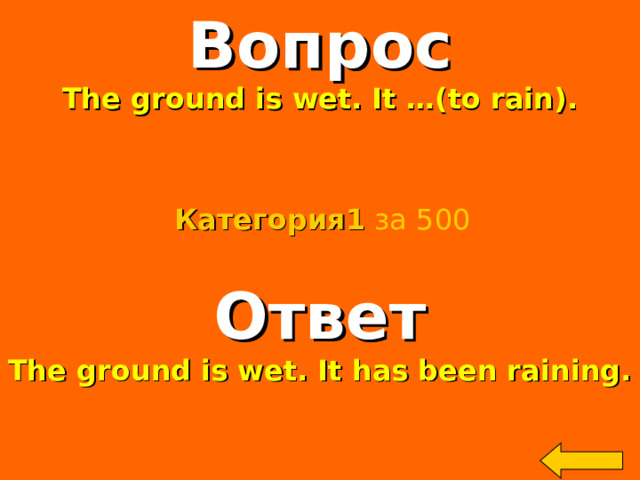
Вопрос
The ground is wet. It …(to rain).
Категория 1 за 500
Ответ
The ground is wet. It has been raining.
Welcome to Power Jeopardy
© Don Link, Indian Creek School, 2004
You can easily customize this template to create your own Jeopardy game. Simply follow the step-by-step instructions that appear on Slides 1-3.
2

Вопрос
Mr.Ivanov …(to live) in Moscow in 1990.
Категория2 за 100
Ответ
Mr.Ivanov lived in Moscow in 1990.
Welcome to Power Jeopardy
© Don Link, Indian Creek School, 2004
You can easily customize this template to create your own Jeopardy game. Simply follow the step-by-step instructions that appear on Slides 1-3.
2

Вопрос
While my mother …(to cook) dinner, I …(to sleep).
Категория2 за 200
Ответ
While my mother was cooking dinner, I was sleeping.
Welcome to Power Jeopardy
© Don Link, Indian Creek School, 2004
You can easily customize this template to create your own Jeopardy game. Simply follow the step-by-step instructions that appear on Slides 1-3.
2

Вопрос
When Peter …(to come) home,
Kate …(to do) her homework.
Категория2 за 300
Ответ
When Peter came home, Kate was doing her homework.
Welcome to Power Jeopardy
© Don Link, Indian Creek School, 2004
You can easily customize this template to create your own Jeopardy game. Simply follow the step-by-step instructions that appear on Slides 1-3.
2

Вопрос
By the time he came home, Ann …(already/to do)
everything.
Категория2 за 400
Ответ
By the time he came home , Ann had already done
everything.
Welcome to Power Jeopardy
© Don Link, Indian Creek School, 2004
You can easily customize this template to create your own Jeopardy game. Simply follow the step-by-step instructions that appear on Slides 1-3.
2

Вопрос
He was out of breath. He …(to run).
Категория2 за 500
Ответ
He was out of breath. He had been running.
Welcome to Power Jeopardy
© Don Link, Indian Creek School, 2004
You can easily customize this template to create your own Jeopardy game. Simply follow the step-by-step instructions that appear on Slides 1-3.
2

Вопрос
What … you …(to do) on Sunday evening?
Категория3 за 100
Ответ
What are you going to do on Sunday evening?
Welcome to Power Jeopardy
© Don Link, Indian Creek School, 2004
You can easily customize this template to create your own Jeopardy game. Simply follow the step-by-step instructions that appear on Slides 1-3.
2

Вопрос
That bag looks heavy.
I … (to help) you with it.
Категория3 за 200
Ответ
That bag looks heavy. I will help you with it.
Welcome to Power Jeopardy
© Don Link, Indian Creek School, 2004
You can easily customize this template to create your own Jeopardy game. Simply follow the step-by-step instructions that appear on Slides 1-3.
2

Вопрос
At 10 o’clock tomorrow, she … (to work).
Категория3 за 300
Ответ
At 10 o’clock tomorrow, she will be working.
Welcome to Power Jeopardy
© Don Link, Indian Creek School, 2004
You can easily customize this template to create your own Jeopardy game. Simply follow the step-by-step instructions that appear on Slides 1-3.
2

Вопрос
Next year they … (to marry) for 25 years.
Категория3 за 400
Ответ
Next year they will have been married for 25 years.
Welcome to Power Jeopardy
© Don Link, Indian Creek School, 2004
You can easily customize this template to create your own Jeopardy game. Simply follow the step-by-step instructions that appear on Slides 1-3.
2

Вопрос
… you … (to use) your bicycle this evening?
Категория3 за 500
Ответ
Will you be using bicycle this evening?
Welcome to Power Jeopardy
© Don Link, Indian Creek School, 2004
You can easily customize this template to create your own Jeopardy game. Simply follow the step-by-step instructions that appear on Slides 1-3.
2

Вопрос
Kate … (to speak) English.
Категория4 за 100
Ответ
Kate can speak English.
Welcome to Power Jeopardy
© Don Link, Indian Creek School, 2004
You can easily customize this template to create your own Jeopardy game. Simply follow the step-by-step instructions that appear on Slides 1-3.
2

Вопрос
You have been travelling all day. You … (to be) tired.
Категория4 за 200
Ответ
You have been travelling all day. You must be tired.
Welcome to Power Jeopardy
© Don Link, Indian Creek School, 2004
You can easily customize this template to create your own Jeopardy game. Simply follow the step-by-step instructions that appear on Slides 1-3.
2

Вопрос
Take an umbrella with you. It … (to rain).
Категория4 за 300
Ответ
It may rain.
Welcome to Power Jeopardy
© Don Link, Indian Creek School, 2004
You can easily customize this template to create your own Jeopardy game. Simply follow the step-by-step instructions that appear on Slides 1-3.
2

Вопрос
My eyesight is not very good. I …(to wear) glasses.
Категория4 за 400
Ответ
I have to wear glasses.
Welcome to Power Jeopardy
© Don Link, Indian Creek School, 2004
You can easily customize this template to create your own Jeopardy game. Simply follow the step-by-step instructions that appear on Slides 1-3.
2

Вопрос
You look tired. You … (to go) to bed.
Категория4 за 500
Ответ
You should go to bed.
Welcome to Power Jeopardy
© Don Link, Indian Creek School, 2004
You can easily customize this template to create your own Jeopardy game. Simply follow the step-by-step instructions that appear on Slides 1-3.
2

Вопрос
Make up general question.
Ann speaks German very well.
Категория5 за 100
Ответ
Does Ann speak German very
well?
Welcome to Power Jeopardy
© Don Link, Indian Creek School, 2004
You can easily customize this template to create your own Jeopardy game. Simply follow the step-by-step instructions that appear on Slides 1-3.
2

Вопрос
Make up special question.
Ann speaks German very well.
Категория5 за 200
Ответ
What language does Ann speak?
Welcome to Power Jeopardy
© Don Link, Indian Creek School, 2004
You can easily customize this template to create your own Jeopardy game. Simply follow the step-by-step instructions that appear on Slides 1-3.
2

Вопрос
Make up alternative question.
Ann speaks German very well.
Категория5 за 300
Ответ
Does Ann speak German or English very well?
Welcome to Power Jeopardy
© Don Link, Indian Creek School, 2004
You can easily customize this template to create your own Jeopardy game. Simply follow the step-by-step instructions that appear on Slides 1-3.
2

Вопрос
Make up disjunctive question.
Ann speaks German very well.
Категория5 за 400
Ответ
Ann speaks German very well, doesn’t she?
Welcome to Power Jeopardy
© Don Link, Indian Creek School, 2004
You can easily customize this template to create your own Jeopardy game. Simply follow the step-by-step instructions that appear on Slides 1-3.
2

Вопрос
Make up the question with WHO.
Ann speaks German very well.
Категория5 за 500
Ответ
Who speaks German very well?
Welcome to Power Jeopardy
© Don Link, Indian Creek School, 2004
You can easily customize this template to create your own Jeopardy game. Simply follow the step-by-step instructions that appear on Slides 1-3.
2

Список литературы:
1. English Grammar in Use by R.Murphy, 2009

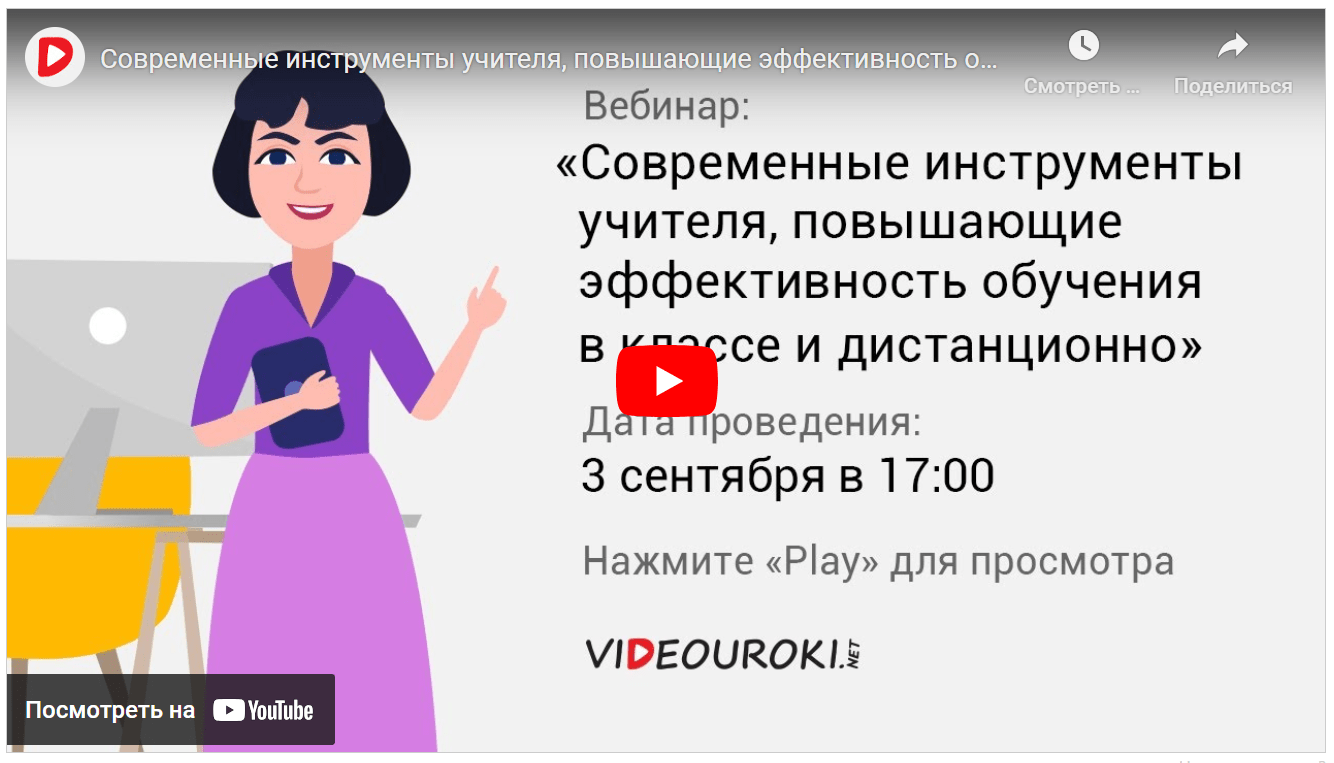
Вебинар для учителей
Свидетельство об участии БЕСПЛАТНО!