Россия, г.Бийск

СДЕЛАЙТЕ СВОИ УРОКИ ЕЩЁ ЭФФЕКТИВНЕЕ, А ЖИЗНЬ СВОБОДНЕЕ
Благодаря готовым учебным материалам для работы в классе и дистанционно
Скидки до 50 % на комплекты
только до
Готовые ключевые этапы урока всегда будут у вас под рукой
Организационный момент
Проверка знаний
Объяснение материала
Закрепление изученного
Итоги урока
Была в сети 29.04.2026 15:41

Скотникова Татьяна Андреевна
Учитель английского языка
28 лет
 2 050
2 050
 34 148
Местоположение
Spotlight 7 module 5 Giving instruction
Категория:
Английский язык
17.12.2024 04:54

Просмотр содержимого документа
«Spotlight 7 module 5 Giving instruction»
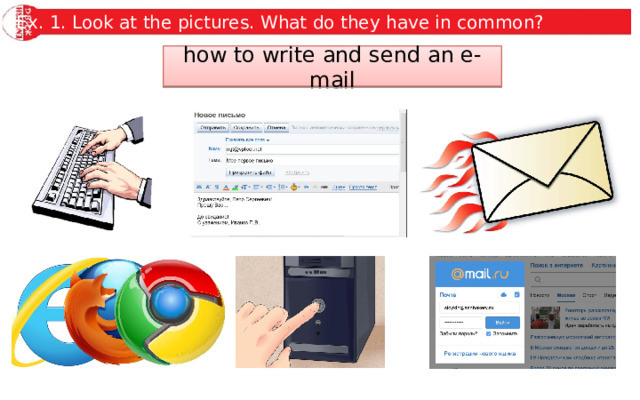
Ex. 1. Look at the pictures. What do they have in common?
how to write and send an e-mail
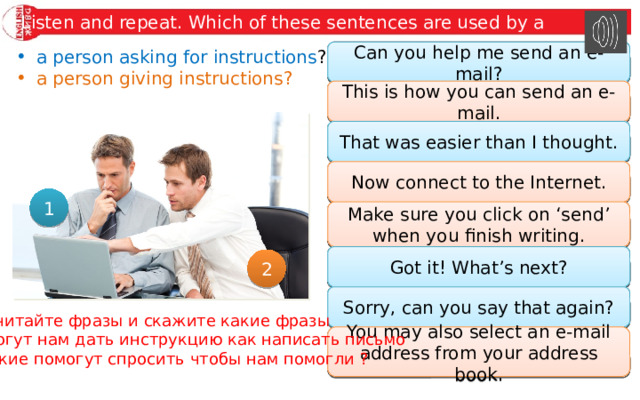
Listen and repeat. Which of these sentences are used by a
- a person asking for instructions ?
Can you help me send an e-mail?
Can you help me send an e-mail?
- a person giving instructions?
This is how you can send an e-mail.
This is how you can send an e-mail.
That was easier than I thought.
That was easier than I thought.
Now connect to the Internet.
Now connect to the Internet.
1
Make sure you click on ‘send’ when you finish writing.
Make sure you click on ‘send’ when you finish writing.
Got it! What’s next?
Got it! What’s next?
2
Sorry, can you say that again?
Sorry, can you say that again?
Прочитайте фразы и скажите какие фразы
помогут нам дать инструкцию как написать письмо
А какие помогут спросить чтобы нам помогли ?
You may also select an e-mail address from your address book.
You may also select an e-mail address from your address book.
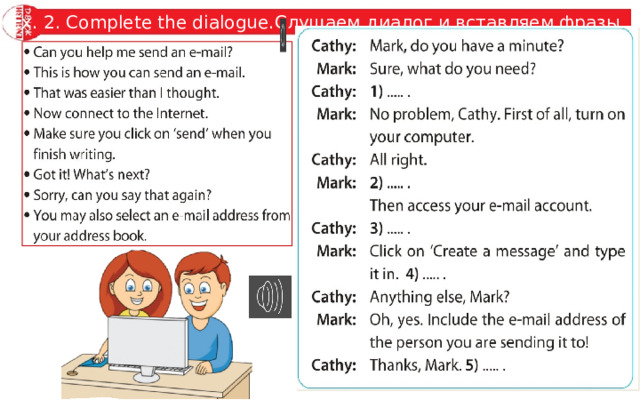
Ex. 2. Complete the dialogue.Слушаем диалог и вставляем фразы
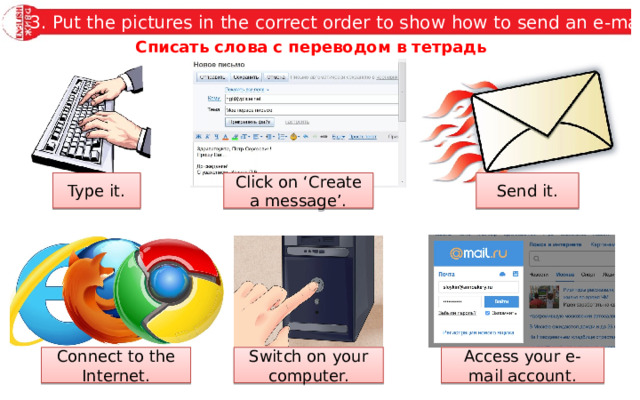
Ex. 3. Put the pictures in the correct order to show how to send an e-mail.
Списать слова с переводом в тетрадь
Click on ‘Create a message’.
Type it.
Send it.
Switch on your computer.
Connect to the Internet.
Access your e-mail account.
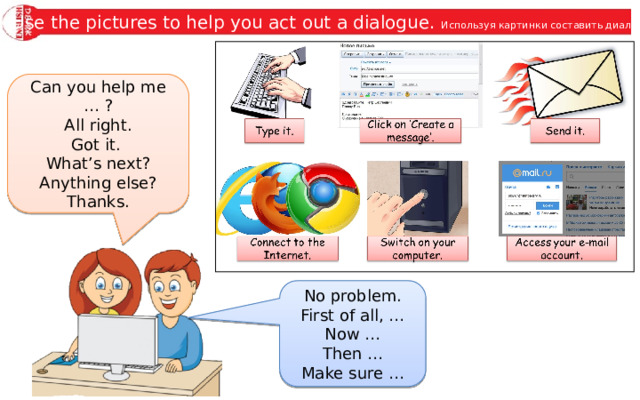
Use the pictures to help you act out a dialogue. Используя картинки составить диалог
Can you help me … ?
All right.
Got it.
What’s next?
Anything else?
Thanks.
No problem.
First of all, …
Now …
Then …
Make sure …
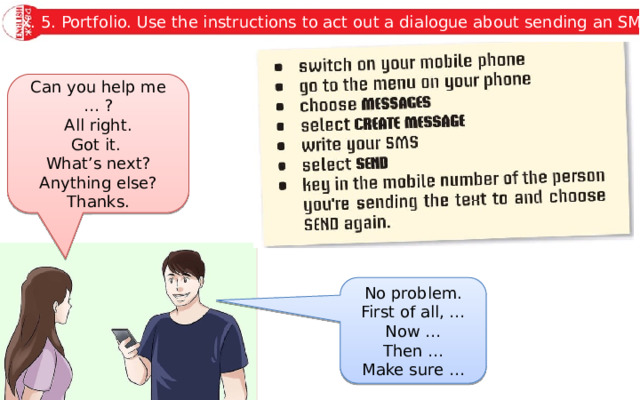
Ex. 5. Portfolio. Use the instructions to act out a dialogue about sending an SMS.
Can you help me … ?
All right.
Got it.
What’s next?
Anything else?
Thanks.
No problem.
First of all, …
Now …
Then …
Make sure …
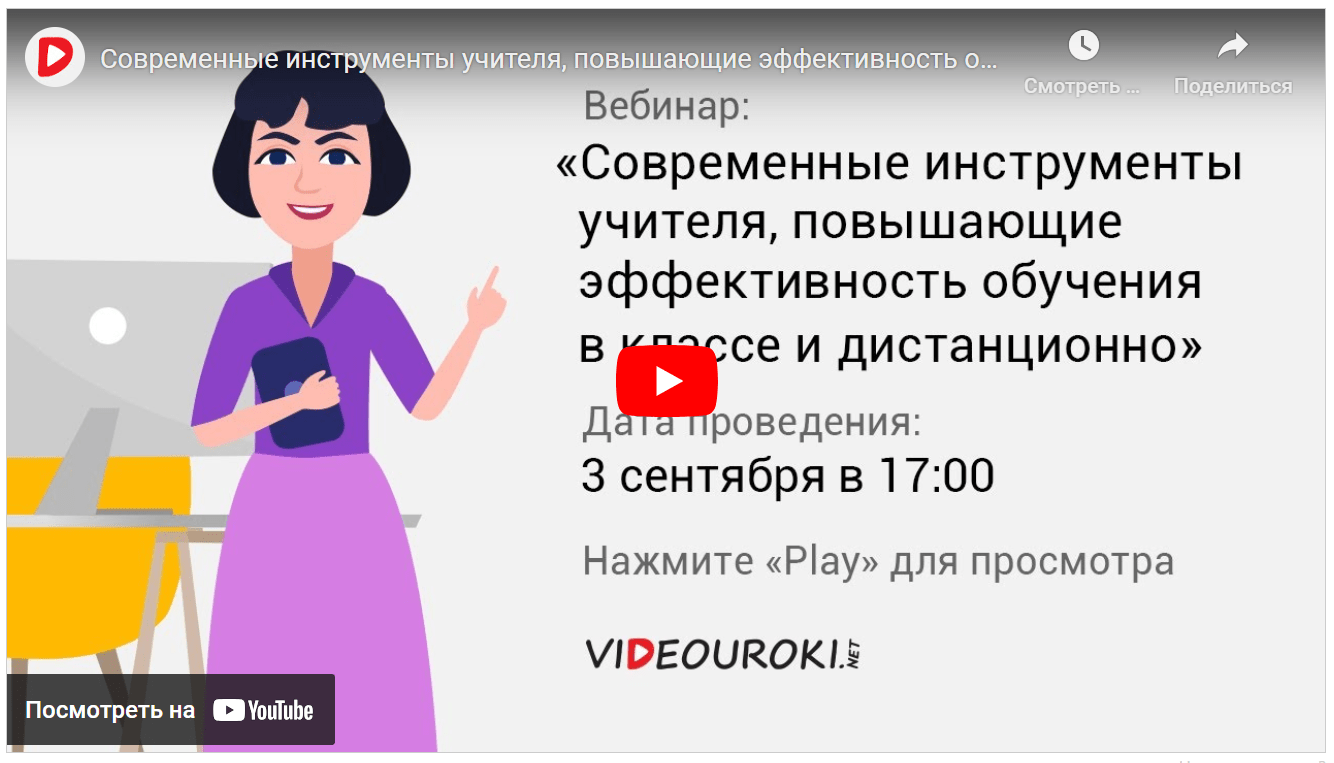
Вебинар для учителей
Свидетельство об участии БЕСПЛАТНО!