Azerbaijan, Baku

СДЕЛАЙТЕ СВОИ УРОКИ ЕЩЁ ЭФФЕКТИВНЕЕ, А ЖИЗНЬ СВОБОДНЕЕ
Благодаря готовым учебным материалам для работы в классе и дистанционно
Скидки до 50 % на комплекты
только до
Готовые ключевые этапы урока всегда будут у вас под рукой
Организационный момент
Проверка знаний
Объяснение материала
Закрепление изученного
Итоги урока

Была в сети 01.07.2017 00:15
Abbasova Tarana Asker
English teacher
 232
232
 163 422
Местоположение
Специализация
Top 4 iPad Apps for Making Presentations and Slideshows

If you ask me about the best iPad apps for creating and sharing presentations and slideshows the five listed below are what
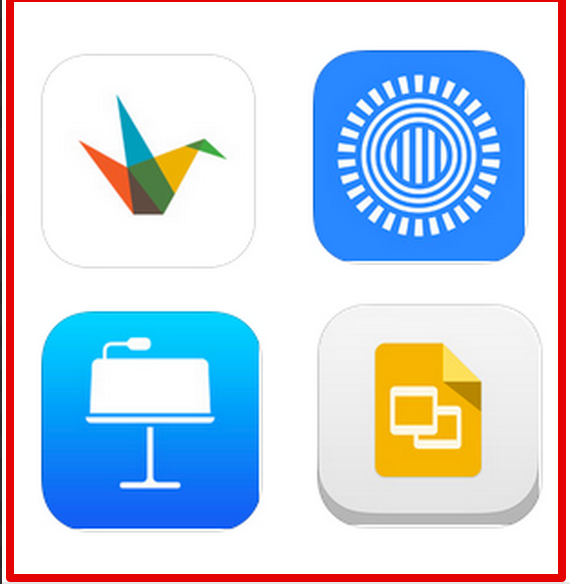 I would highly recommend for you. Yes this is a personal view and I know there are tons of other apps out there that can be used for this purpose, bu
t from my own experience of app reviewing and based on my actual use , the apps I have handpicked for you have all the features you need to create a powerful and visually appealing presentation. Check them out and as always leave us a comment if you have other suggestions. Enjoy:
Haiku Deck is relatively new compared with the other apps in this list but it has really proved to be such an excellent presentation app. It allows you to create beautiful presentations at no time. Some of its features include:
- Seamless, real-time syncing between iPad, iPhone, and Web
- Edit your Haiku Decks online, or create online and present from your iPhone or iPad
- Use your iPhone as a remote in presentation mode
- View image-rich Haiku Decks in a mobile-optimized display
- Instant access to the week’s best Haiku Decks for inspiration anytime, anywhere
- Integrated language support for English, Spanish, French, Italian, German, Portuguese, Japanese, and Chinese (Simplified)
2-
Prezi is another great iPad app to use for creating presentations and slideshows. I like its presentation mode for it makes use of beautiful transitions and allows you to highlight and foreground key points in your slides in such a visually attrative way. Some of its features include:
- Create basic prezis from scratch using your iPad
- Create prezis online and finalize them using your iPad
- Zoom into any detail or pull out to show the big picture
- Follow your predefined path or move about the open canvas freely
- Present on a large screen with Apple TV’s Airplay
- Access our professionally designed selection of stunning color themes and templates
- Customize and save your own created templates
- Easily insert YouTube videos with the built-in YouTube search function
- Find the perfect background or image with powerful online image search
- Have all your presentations synced across all devices
3-
Create, edit, and collaborate with others on presentations from your iPod, iPhone, or iPad with the free Google Slides app. With Google Slides you can:
- Create new presentations or edit any that were created on the web or on another device
- Share presentations and work together with others in the same presentation at the same time
- Open, edit, and save Microsoft PowerPoint files
- Get stuff done anytime -- even without an internet connection
- Add and rearrange slides, format text and shapes, and more
- Present right from your device
- Never worry about losing your work -- everything is automatically saved as you type
4-
Keynote is a powerful presentation app.it makes creating a world-class presentation — complete with animated charts and transitions — as simple as touching and tapping. Start with an Apple-designed theme and add text, images, charts, tables, and shapes with just a few taps. Highlight your data with stunning interactive bar, column, scatter, and bubble charts. Present right on your iPad, iPhone, or iPod touch. Or use video mirroring to present on an HDTV, and preview your slides and notes on your device using the Presenter Display.
07.01.2015 01:13





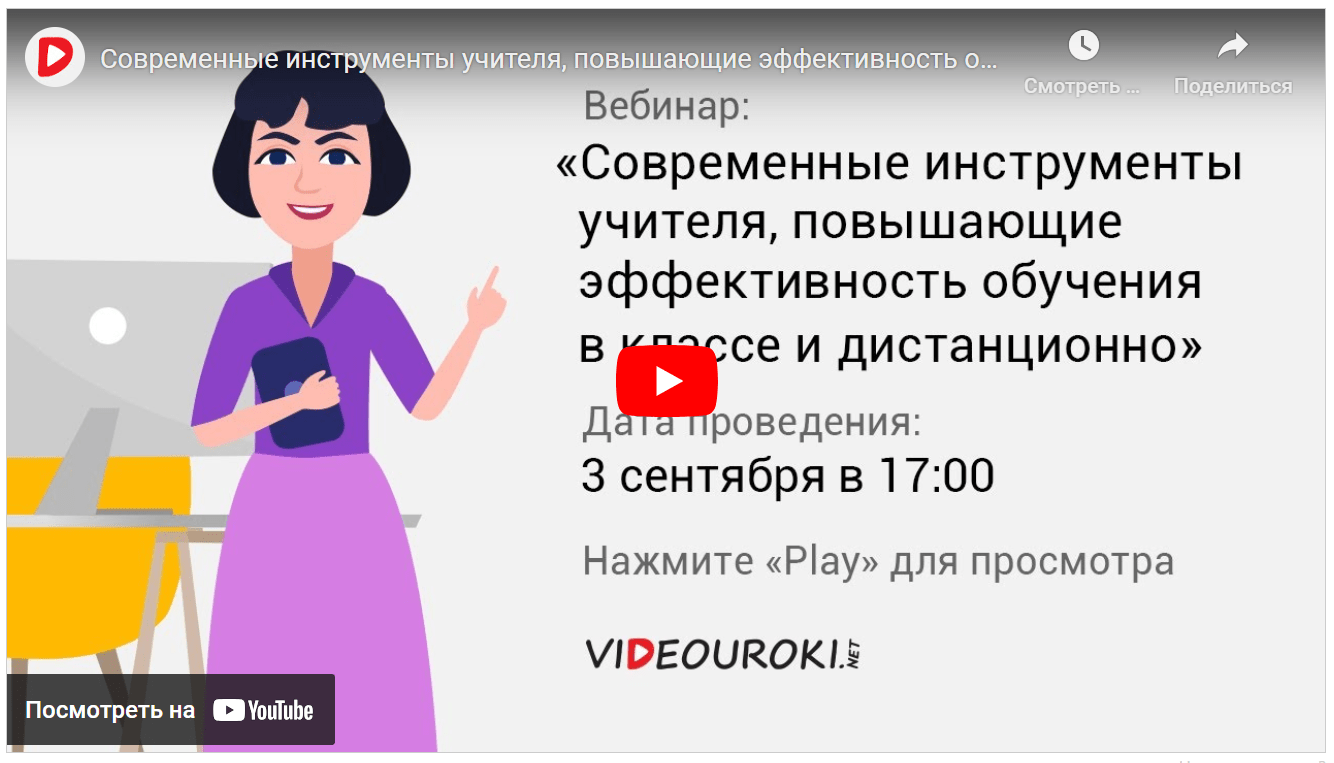
Вебинар для учителей
Свидетельство об участии БЕСПЛАТНО!